Commands and the Action List
One registry of everything a person or an agent can do: the ActionList, actions from a service, the ⌘K palette, ⌘O, the action list window, custom actions, and MCP.
What it is and when to use it#
The ActionList is the app’s registry of everything a person or an agent can
do. Each action has an id (AREA_VERB), an Effect (read-only, mutating or
destructive), facet Args and Out types with a schema, and a handler.
Keys, menus, the palette, scripts, a CLI and a model over MCP all run the
same id. #[architect::service(actions)] registers a whole service’s
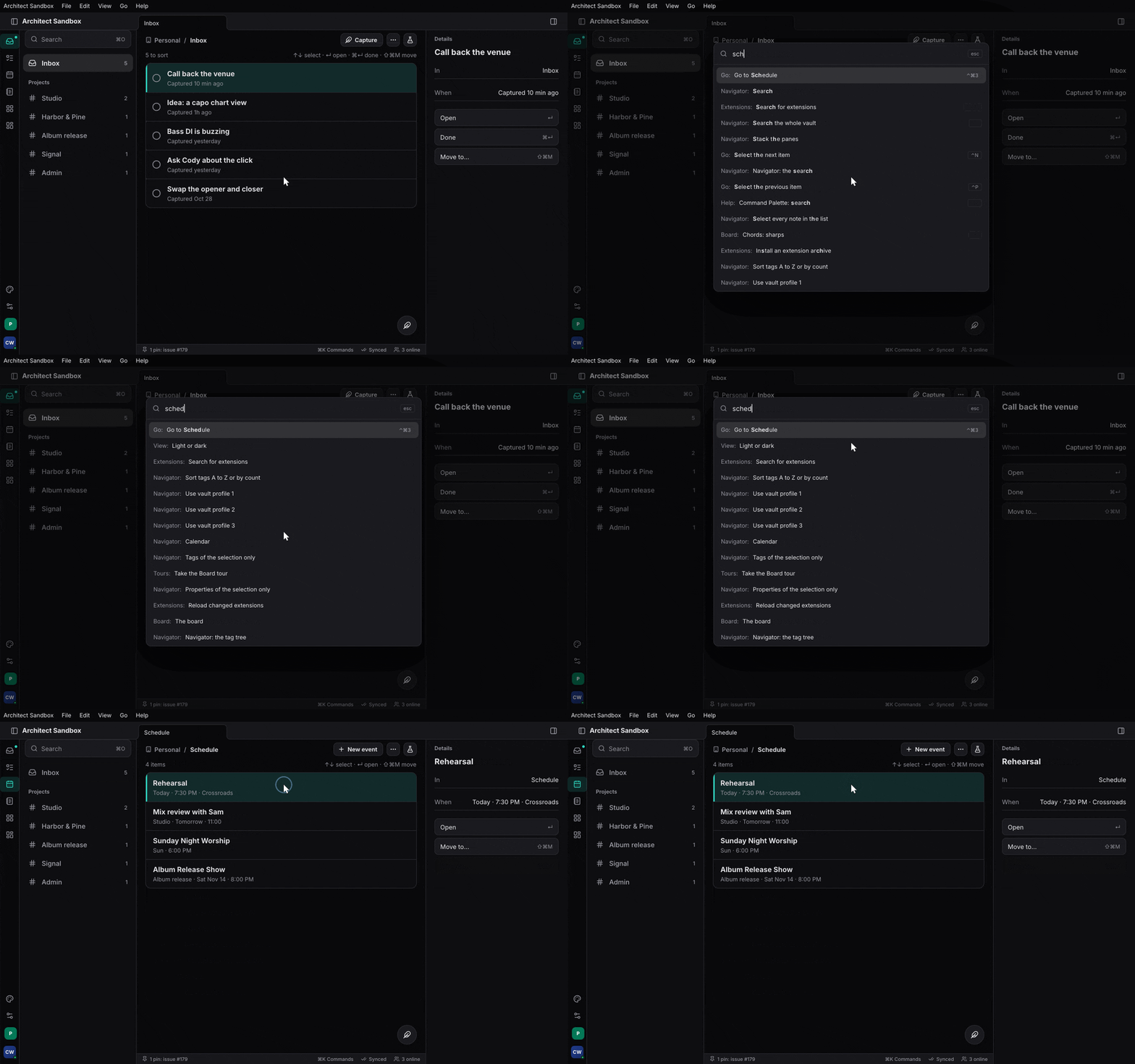
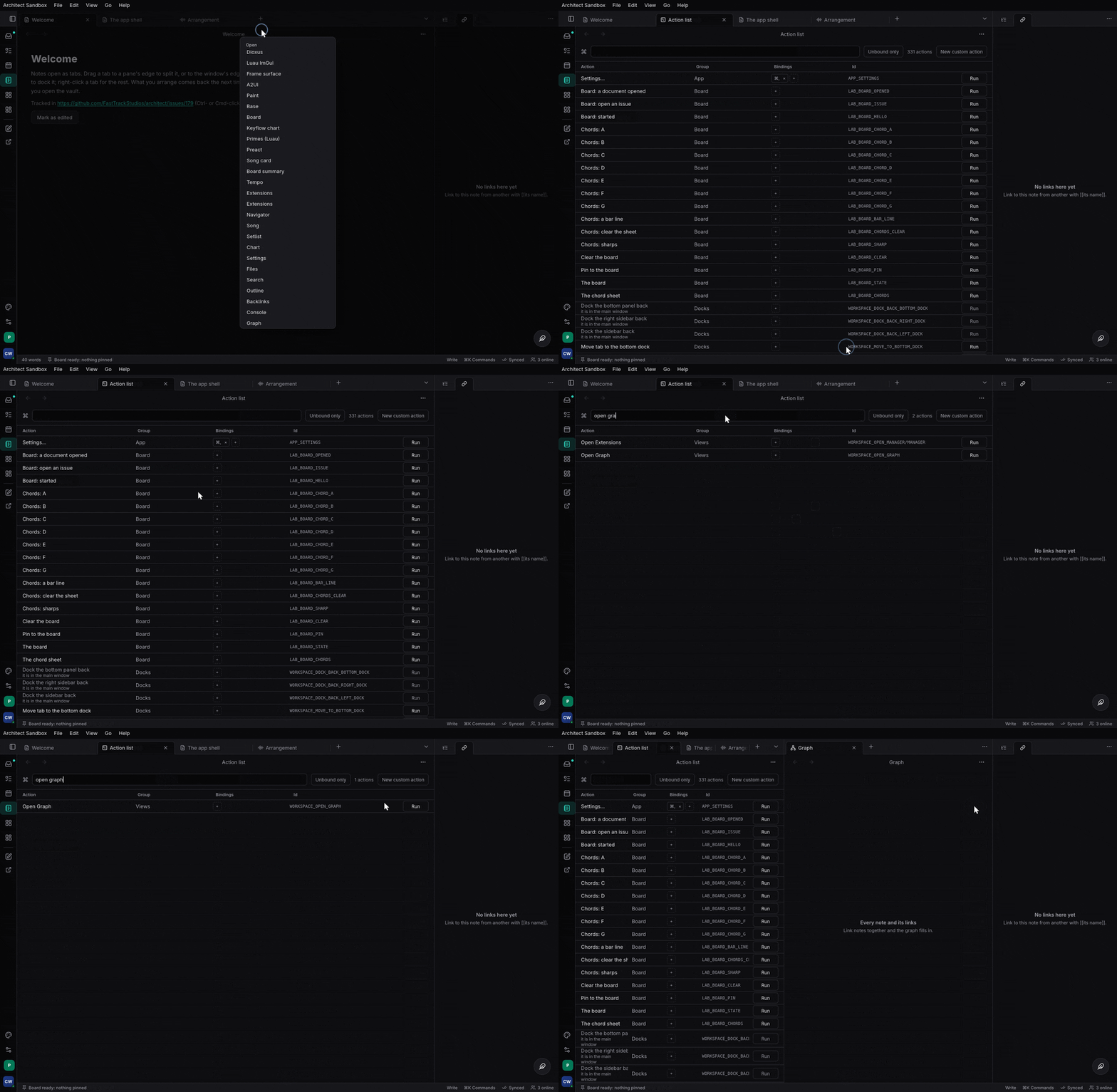
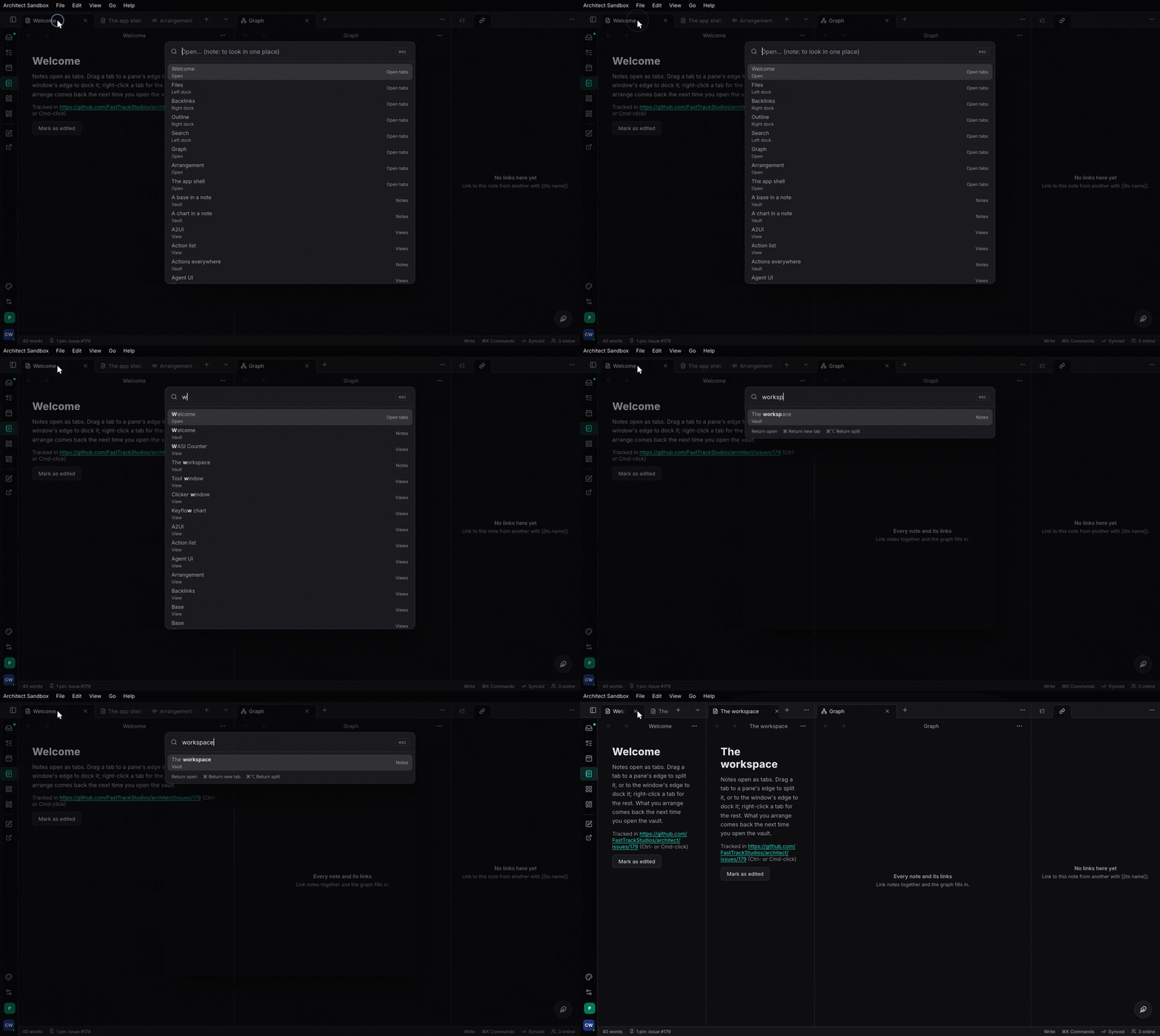
methods. architect-commands draws the ⌘K palette, ⌘O quick open, the action
list window (every command, searchable, with its group, shortcut and id, and
why one cannot run) and custom actions (steps a person chains). architect-mcp
serves the list to a model.
Use one action per capability; never a bespoke MCP tool, menu handler or palette entry. Design: The Action List and Actions everywhere.
A minimal example#
architect with action-list; architect-mcp with http (and host to
mount on EngineHost); architect-commands with ui. From
examples/greeter/src/lib.rs and examples/greeter/tests/mcp.rs:
#[architect::service(actions)]
pub trait Greeter {
    /// Greets a known name.
    async fn greet(&self, name: String) -> Result<String, GreetError>;
    /// How many greetings so far.
    #[action(effect = read_only)]
    async fn count(&self) -> Result<u32, GreetError>;
}

let list = ActionList::new();
greeter_actions::register(backend.clone(), &list)?;   // GREETER_GREET, GREETER_COUNT
list.validate()?;

let server = architect_mcp::Server::new("greeter", "0", list)
    .with_tools(architect_mcp::Tools::Named)
    .with_tool_name("GREETER_GREET", "greet");
if let Some(serving) = server.serve_loopback_or(47_811, "FTS_MCP_PORT", "FTS_MCP_TOKEN").await? {
    serving.publish("greeter")?;                       // so agents can find it
}
A hand-registered action, and the overlays in a Dioxus app (from
features/commands/tests/keys.rs):
static CLOSE: ActionMeta = ActionMeta {
    id: "WORKSPACE_CLOSE_TAB", trait_name: "", method_name: "", display_name: "Close tab",
    description: "", category: "", group: "Tabs", shortcut: "⌘W", toggleable: false, undo: false,
};
list.register(&CLOSE, Effect::Mutating, |(): ()| { close_tab(); Ok(()) })?;

let _ = use_commands_provider();
use_action_list(Arc::new(list));
rsx! { CommandLayer {} }          // ⌘K and ⌘O; ActionListView {} is the window
Code tour#
crates/architect/src/action_list.rsActionList:register,register_async,register_withandregister_async_with(the handler sees theActionCaller),register_dynamic,register_forwarded(an action known only by its description, for extensions),set_enabled,set_checked,validate,probe_hostile_args,changed.- Same file, the doors:
run_json(trusted; refuses an async action rather than block),run_json_async,run_json_as,run_json_with;set_authorizer,infos_for. crates/architect-rpc-derive/src/lib.rsservice: theactionsoption writes<snake>_actions::register.crates/architect-action-derive/src/lib.rsactions:#[architect::actions]for a trait of named commands with menu metadata.features/mcp/src/lib.rsServer(with_tools,with_tool_name,handle_async,handle_as,tools_for,call_tool),Tools.features/mcp/src/http.rsserve_loopback_or(off withFTS_MCP=0),Serving::publish;features/mcp/src/discovery.rspublish,project_mcp_json;features/mcp/src/host.rsMcpHost.features/commands/src/ui.rsuse_commands_provider,use_action_list,use_command(a view’s own command),use_opener,Commands::run,CommandLayer,ActionListView.- The engine,
architect-palette:features/palette/src/rank.rsrank,features/palette/src/open.rsOpeners,features/palette/src/source.rsEngine;features/commands/src/custom.rsCustomAction.
A model’s tools/call greet reaches Server::handle_async, which maps the
tool name to GREETER_GREET and runs it through run_json_async_as. Inside
the list: look the id up, authorize (callers other than the app itself),
check it is enabled, decode the arguments against the schema, run the
handler under a panic guard, and emit a Ran event. A palette or key run
goes through Commands::run(id) instead: view commands first, then the
Action Lists, then custom actions; an async action is spawned through
run_json_async.
Tests to read#
examples/greeter/tests/mcp.rs: named MCP tools answer what HTTP answers.examples/greeter/tests/host_mounts.rs: MCP mounted onEngineHost.- Unit tests in
crates/architect/src/action_list.rsandfeatures/mcp/src/lib.rs: registration, validation, the doors, tool modes, permission filtering. crates/architect-action-derive/tests/smoke.rs: derived actions.features/commands/tests/commands.rs: palette ranking, recents, openers, custom actions.
Status#
Done in architect. Limits: a service action’s failure is the error’s
Display; service(actions) handlers do not see the caller (a per-org
service registers by hand with register_async_with); MCP over HTTP runs as
the server’s one principal; the router gate and the list’s authorizer are two
planes. Not yet: keymap import and export, which-key’s pause.
- Task registers its pilot tools by hand
(
task:apps/server/src/actions/mod.rs) and serves them withServer::new(..).with_tools(Tools::Named); it does not usearchitect-commandsyet. - Studio uses the list and MCP (
studio:apps/session/daw/src/actions.rs,studio:apps/session/daw/src/mcp_server.rs); the palette and action list window are still its own.